
Copper Isn't Dead: Why Cat6A Just Overtook Cat6 in the AI Era
Published:Executive Summary: Every few months a headline insists copper is finished — that AI's hunger for 800G and 1.6T optical links makes twisted pair a museum piece. It hasn't happened. What has happened is quieter and more useful: inside the copper world itself, Cat6A has overtaken Cat6 as the default spec for new buildings and major refreshes, while Cat6 is sliding into the "legacy / cost-only" column. This article explains the shift with the numbers that decide it, shows where copper is still unbeatable, and draws the hard line for the scenarios where you must switch to fiber. Copper is very much alive — it just graduated.
Quick Navigation
- 1 The Quiet Coup: How Cat6A Passed Cat6
- 2 Why the AI Era Pushed Cat6A to the Front
- 3 Cat6A vs Cat6: The Specs That Actually Decide
- 4 Where Copper Still Wins (and Always Will)
- 5 The Scenarios Where You Must Switch to Fiber
- 6 A Practical Copper-vs-Fiber Decision Framework
- 7 Ask AMPCOM: Your Cat6A Questions, Answered
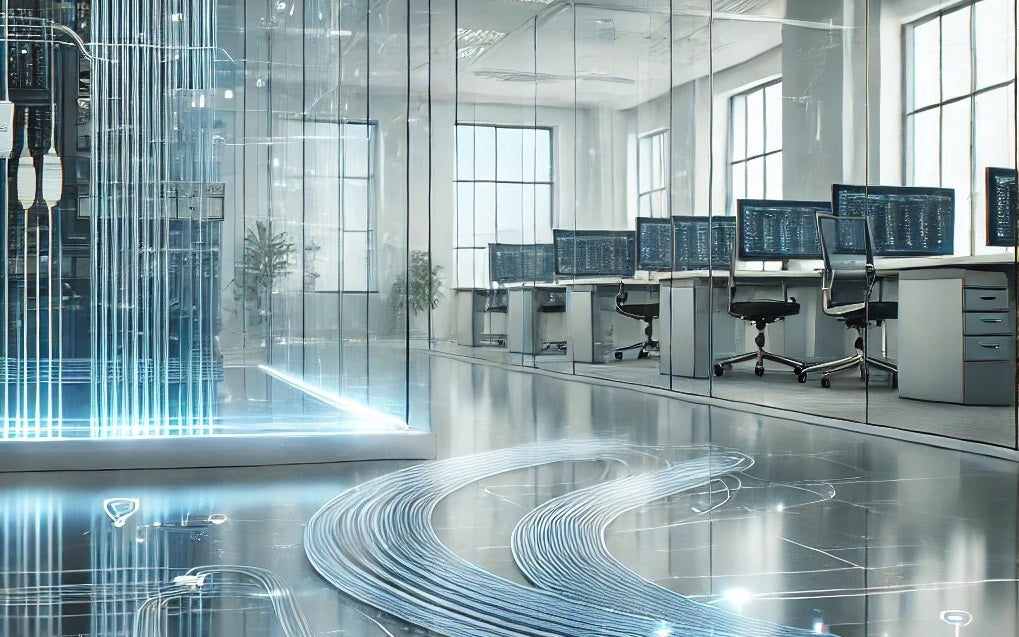
Structured cabling keeps evolving — but the copper layer didn't disappear, it upgraded
Chapter 1: The Quiet Coup — How Cat6A Passed Cat6
Cat6 didn't lose a race; it got outgrown. For a decade, Cat6 was the safe default: cheap, ubiquitous, certified for 1 Gb/s to 100 m and — on paper — 10 Gb/s as well. But "10 Gb/s on paper" is where the trouble starts. Per TIA-568, Cat6 can carry 10GBASE-T to about 55 m, and in real bundled trays — where alien crosstalk (AXT) between adjacent cables does the damage — it routinely fails certification past ~37 m. That is shorter than a typical floor-to-IDF run in a modern office or a campus building. Designers who specified Cat6 for "future 10G" kept getting burned at the Fluke.
Cat6A closed that gap. Same RJ45 connector, same installer skill set, but 500 MHz of bandwidth (vs 250 MHz) and 10 Gb/s all the way to 100 m, with the tighter twist and improved isolation that keep alien crosstalk inside limits. When 10 Gb/s stopped being a "someday" port and became the access-layer baseline — Wi-Fi 6/7 APs, 2.5/5/10GBASE-T desktops, PoE++ powered devices — the extra margin stopped looking like luxury and started looking like insurance. The result, across the specs AMPCOM sees in enterprise and campus bids, is a clear reordering: Cat6A is now the default copper line item, and Cat6 is the discount option you choose only when the run is short and the budget is the only spec.
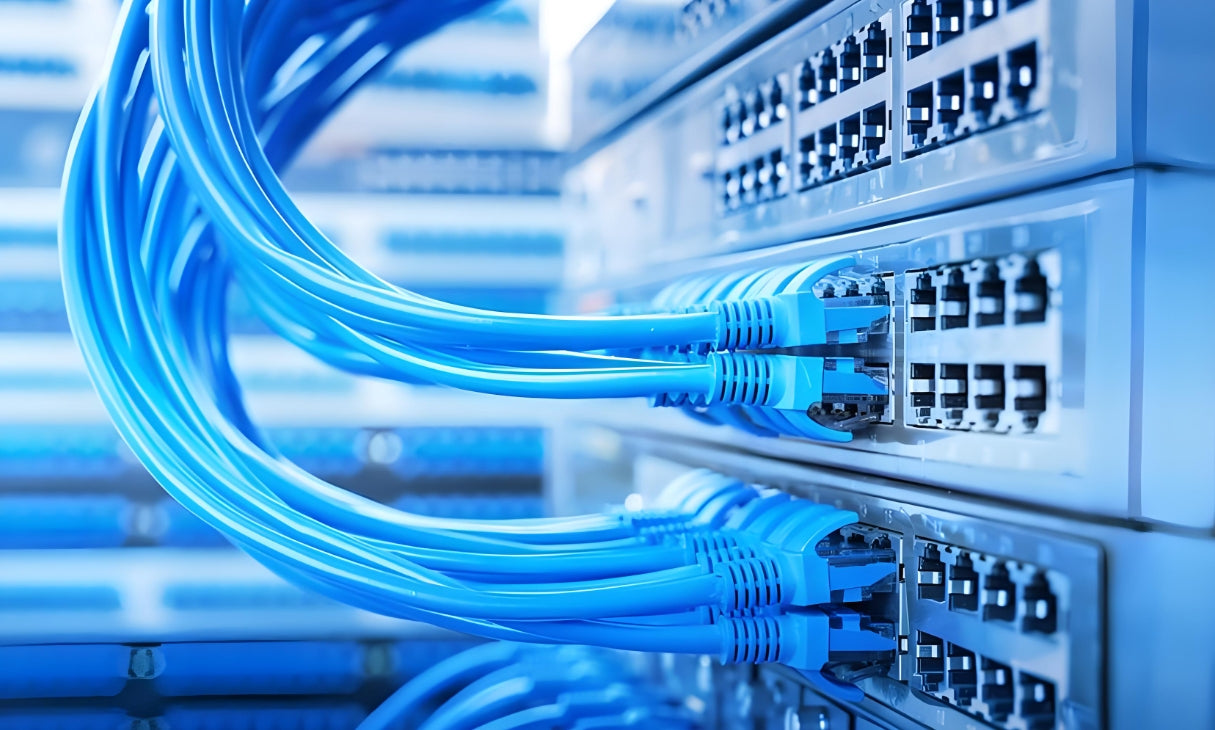
A standard copper cabling run — the layer where Cat6A has become the new baseline
Chapter 2: Why the AI Era Pushed Cat6A to the Front
Here is the part that confuses people. The AI buildout is the most fiber-hungry event in networking history — machine traffic already exceeds human traffic, and AI loads can demand 10×–36× the fiber of traditional workloads. So why would copper, and specifically Cat6A, get more important? Because AI doesn't touch the copper layer — it sits on top of it, and it makes everything underneath busier.
Three AI-era forces all point the same direction:
- The edge got heavier. Every AI-adjacent rack still needs a management network, a baseboard/LOM link, a switch-to-switch access uplink, and power for sensors, locks, and cameras. Those are copper ports, and they now want 10G and PoE++ by default, not 1G.
- Wi-Fi 7 made the access layer 10G-native. A single Wi-Fi 7 AP can saturate a 10 Gb/s uplink. Feeding it over Cat6 that dies at 37 m in a bundle is a certification lawsuit waiting to happen; the verifiable limits of 10G over Cat6 are exactly why designers stopped gambling.
- PoE++ became the default power rail. 90 W devices — high-end APs, pan-tilt-zoom cameras, LED lighting controllers, small cells — need both the bandwidth and the thermal headroom. Cat6A's larger conductors and better isolation handle the heat; marginal Cat6 bundles cook.
So the AI era didn't kill copper. It promoted it. The GPU fabric runs on 400G/800G/1.6T optics and DAC/AEC — but the building that houses the GPUs runs more 10G copper ports than ever before. Cat6A is the copper that keeps up.
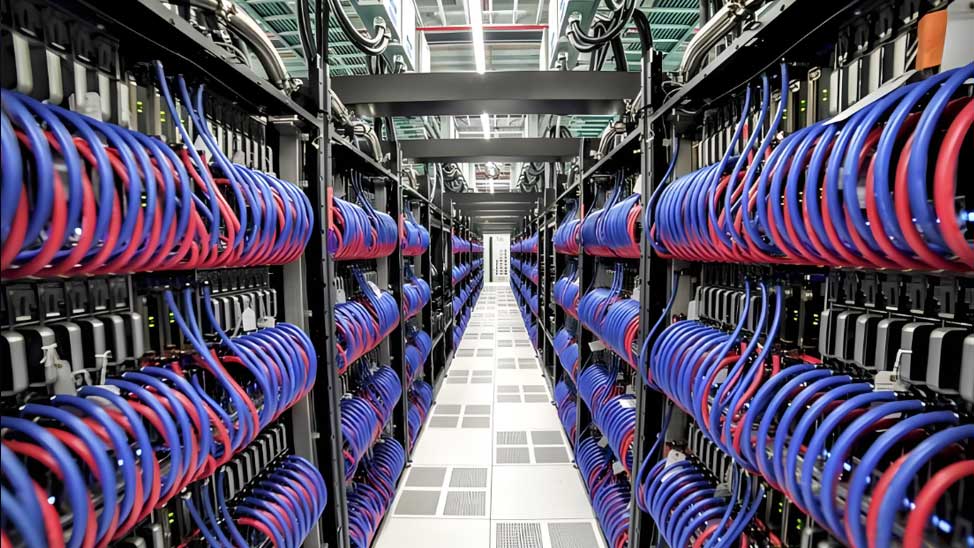
Even high-performance computing environments lean on copper for everything that isn't the GPU fabric
Chapter 3: Cat6A vs Cat6 — The Specs That Actually Decide
If you only remember one table from this article, make it this one. The headline numbers are identical on the box ("10G capable") — the difference is what survives contact with a real building.
| Attribute | Cat6 | Cat6A | Why it matters in the AI era |
|---|---|---|---|
| Bandwidth | 250 MHz | 500 MHz | Headroom for 10G signaling margins and future NBASE-T |
| 10G reach | ~55 m (≈37 m in bundles) | 100 m | Floor-to-IDF runs routinely exceed 37 m |
| Alien crosstalk (AXT) | Uncontrolled | Tightly managed | AXT is what fails Cat6 10G certification in trays |
| PoE++ (90 W) heat | Tight margin | Comfortable | Bundle temperature is the silent killer of PoE links |
| Connector | RJ45 | RJ45 | No retraining — same termination, same patch panels |
| Cost premium | Baseline | ~15–25% on cable | Paid back the first time you avoid a 10G re-pull |
The honest takeaway: Cat6 vs Cat6A vs Cat7 vs Cat8 is not a ladder you must climb to the top. For the access layer, Cat6A is the sweet spot — Cat7/Cat8 add shielding complexity and (for Cat8) a 30 m reach that only makes sense inside a data center row. Cat6 is fine for legacy 1G and short, low-power runs. The "overtaking" is simply Cat6A becoming the default and Cat6 becoming the exception.
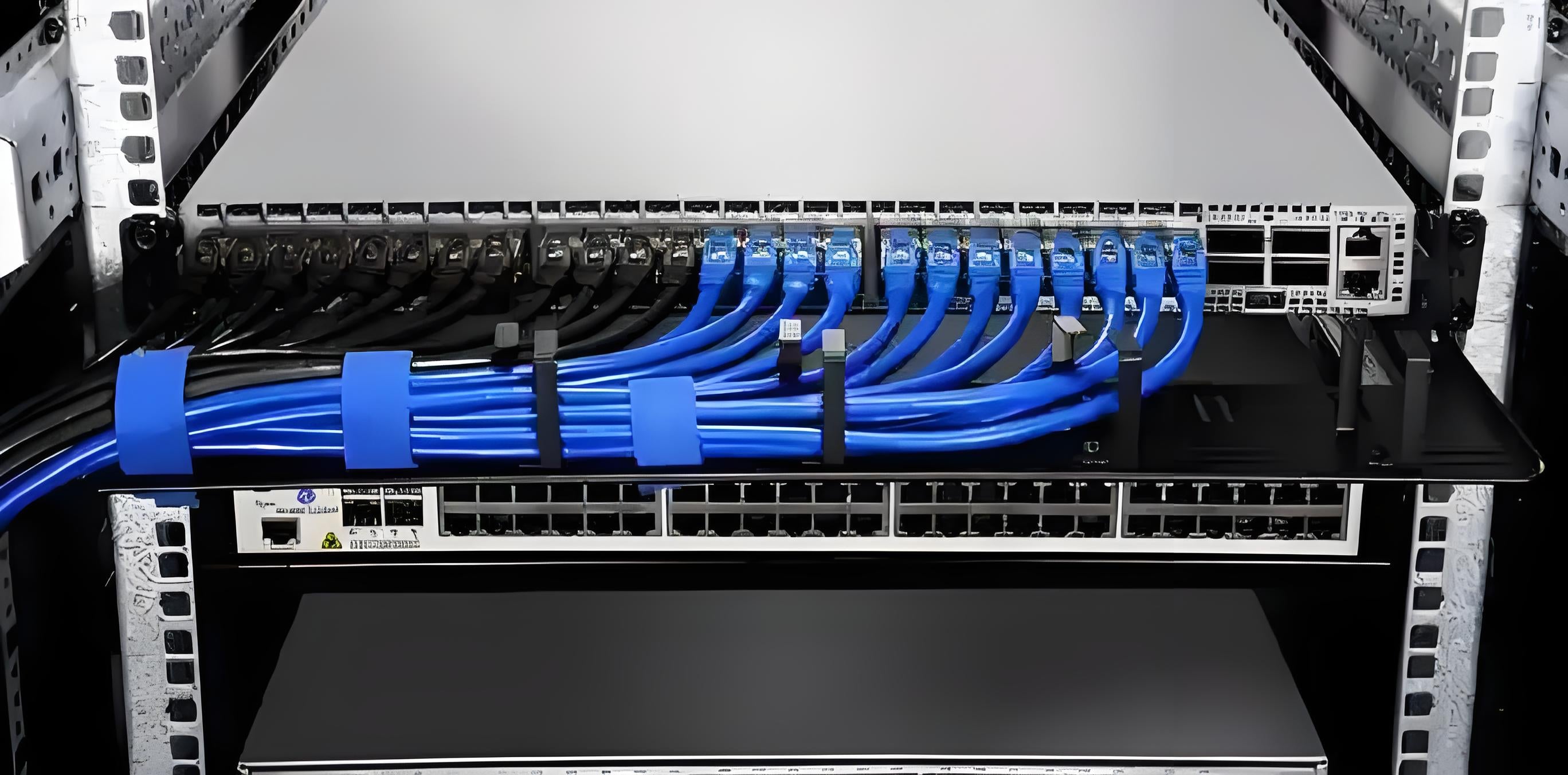
Patch cables at the cabinet — same RJ45 world, very different margin
Chapter 4: Where Copper Still Wins (and Always Will)
The "copper is dead" story collapses the moment you look at where copper actually does the work. There are scenarios where twisted pair is not just cheaper — it is the right engineering answer, full stop.
Case: A 40,000 m² campus refresh, access + PoE everywhere
A regional hospital network refreshed 6 buildings. The GPU/AI workloads lived in a single 4-rack cluster on the core — fiber, obviously. But the other 11,000 ports were Wi-Fi 7 APs, IP cameras, door controllers, and desktop 10G. Specifying that fabric in Cat6A cost roughly 20% more than Cat6 on cable alone, but it eliminated the 37 m AXT problem entirely and let every PoE++ device run cool. The fiber budget went to the spine and the AI cluster where it belonged. Copper didn't lose a single port it should have won.
Copper's unbeatable zones:
- Last-100-meter access: Desktops, APs, phones, printers — RJ45 is the only connector users and devices speak.
- PoE++ device drops: Cameras, APs, sensors, LED, small cells. Copper carries both data and 90 W power; fiber needs a separate injector.
- Management / out-of-band networks: LOM, console, environmental monitoring — low bandwidth, high reliability, everywhere.
- Short-reach switch stacking and ToR uplinks under ~30 m: Where Cat8 or DAC makes more sense than optics (see our PoE++ cabling guide for the heat math).
- Retrofits and legacy buildings: Existing Cat5e/Cat6 plants can often be re-certified for 2.5G/5G NBASE-T without a rip-and-replace — copper's installed base is its moat.
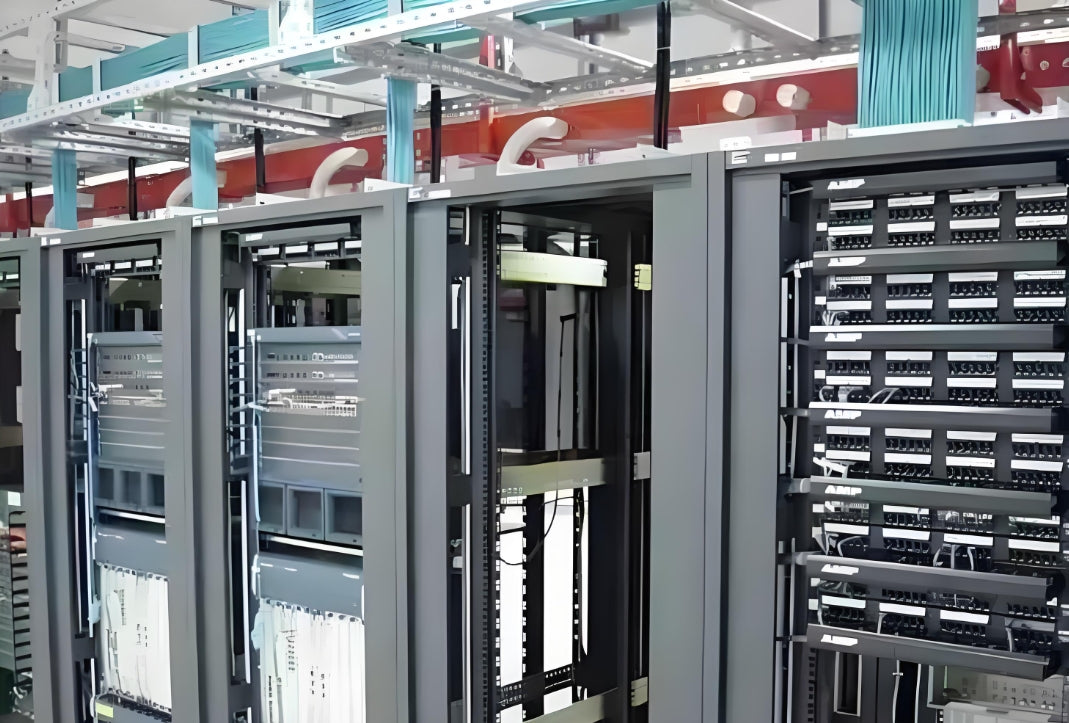
Copper cabling in a computer and monitoring room — the layer that never went away
Chapter 5: The Scenarios Where You Must Switch to Fiber
This is the half of the title that matters most to procurement: copper is the mainstay, but there are hard lines you do not cross with twisted pair. Cross them and you are not saving money — you are buying a problem.
| Scenario | Why copper fails | What to use instead |
|---|---|---|
| Link > 100 m | Cat6A's 10G reach ends at 100 m; signal and PoE voltage drop both fail | Singlemode (OS2) or multimode (OM4/OM5) fiber |
| 25G / 40G / 100G+ uplinks | No twisted pair does 25G beyond very short reaches; 40G/100G is fiber or DAC only | MPO fiber or DAC/AEC for intra-row |
| High-EMI environments | Even shielded copper picks up noise near VFDs, transformers, RF | Dielectric fiber — immune to EMI by design |
| AI GPU cluster fabric (east-west) | 800G/1.6T GPU-to-GPU traffic has no copper answer | OSFP/QSFP-DD optics, DAC, AEC, AOC |
| Campus / building interconnect | Multi-hundred-meter runs + lightning/ground-loop risk | OS2 singlemode, often in redundant pairs |
| 15-year future-proofing of the spine | Copper speed ceiling is visible; fiber capacity scales with optics | Singlemode backbone, re-pluggable transceivers |
The rule of thumb: copper owns the access and the device drop; fiber owns the backbone, the long haul, and anything faster than 10G or longer than 100 m. The full reasoning lives in our deep dive on data center cabling: copper or fiber — but the line itself is simple enough to print and tape to the BICSI binder.
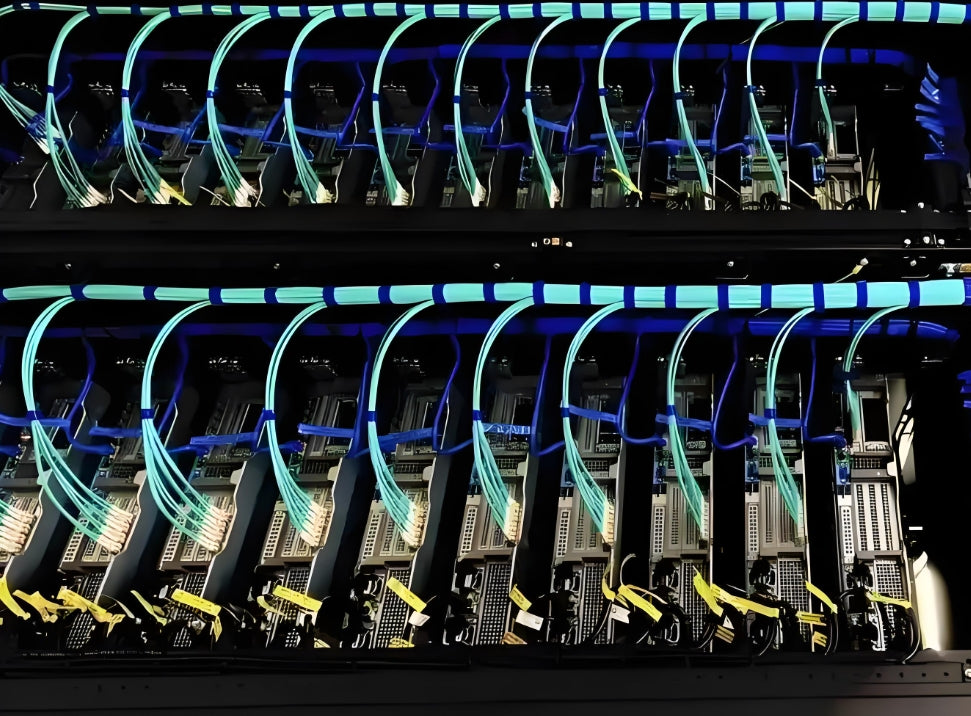
Where copper must yield: the high-speed fiber layer that carries AI-scale traffic
Chapter 6: A Practical Copper-vs-Fiber Decision Framework
You don't need a consultant to decide most runs. Answer four questions and the medium picks itself.
The 4-Question Filter
1. How far? Over 100 m → fiber. Under 100 m → continue.
2. How fast? 25G or above, or any AI/GPU east-west → fiber or DAC/AEC. 10G or below → copper is in play.
3. Does it need power? PoE/PoE++ device (camera, AP, sensor, phone) → copper. Pure data → either.
4. What connector does the device speak? RJ45 only → copper. SFP+/QSFP/OSFP → fiber or DAC. No user device ships an 800G RJ45.
Map those answers onto the matrix below and you have a defensible Bill of Materials:
| If the run is… | Distance | Speed | Specify |
|---|---|---|---|
| Desktop / AP / phone drop | < 100 m | 1–10G + PoE | Cat6A (Cat6 only if <37 m and 1G) |
| Camera / sensor / lock | < 100 m | 1G + PoE++ | Cat6A, 23 AWG |
| Intra-row switch uplink | < 30 m | 25–100G | DAC / AEC or Cat8 |
| Building / campus interconnect | > 100 m | 10–400G | OS2 singlemode (redundant) |
| AI GPU cluster fabric | rack / row | 400G–1.6T | OSFP optics / DAC / AEC / AOC |
| Core spine, 15-yr horizon | any | scaling | OS2 singlemode backbone |
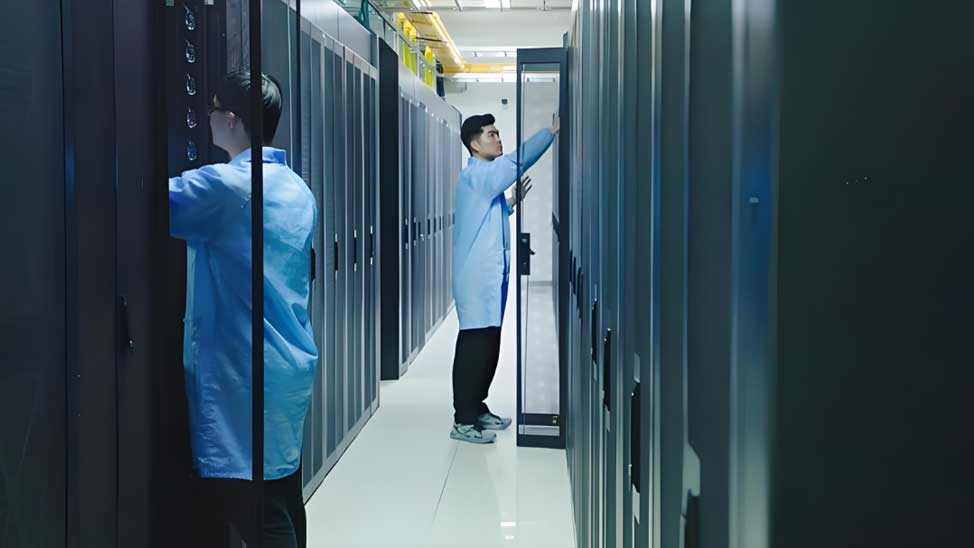
High-density data center cabling — copper for the edge, fiber for the spine
Chapter 7: Ask AMPCOM — Your Cat6A Questions, Answered
Is Cat6 completely obsolete now?
No. Cat6 is still the right call for legacy 1G plants, short (<37 m) 10G runs with no bundle crosstalk, and pure cost-constrained drops where 1G is the forever speed. "Overtaken" means it lost the default job, not that it disappeared.
Can I just use Cat6 and save 20%?
Only if your 10G runs are genuinely under ~37 m and un-bundled. The moment they hit a tray with neighbors, AXT fails certification and the "savings" becomes a re-pull. For any new build with 10G access, Cat6A is the cheaper option by the time you pay for the second truck roll.
Do I need Cat7 or Cat8 instead of Cat6A?
Almost never for the access layer. Cat7's shielding adds termination labor for no speed benefit over Cat6A at 10G. Cat8 delivers 25G/40G but only to 30 m — perfect for data-center row uplinks, pointless for a floor.
Will AI make my Cat6A access layer obsolete?
No. AI lives on the optical spine and GPU fabric. Your access layer gets busier (more 10G, more PoE++), which is exactly why Cat6A is the right copper — it is the layer AI sits on top of, not the layer it replaces.
Where do I absolutely not use copper?
Anything over 100 m, anything 25G or faster, any AI/GPU east-west link, any high-EMI run, and any spine you expect to last 15 years. Those are fiber (or DAC/AEC) or nothing.
Key Takeaways
| Point | What to do |
|---|---|
| Cat6A overtook Cat6 as the default copper spec | Specify Cat6A for new builds and 10G/PoE++ access; keep Cat6 for legacy/short runs |
| The AI era promoted copper, it didn't kill it | Design more 10G + PoE++ copper ports at the edge; spend fiber budget on spine and GPU fabric |
| Cat6's 10G reach fails in real bundles (~37 m) | Stop gambling on Cat6 for 10G; use Cat6A to 100 m |
| Copper owns access; fiber owns backbone + >10G + >100 m | Apply the 4-question filter before every run |
| Never use copper for AI GPU fabric or long hauls | OS2 / OM4-OM5 fiber, DAC, AEC, AOC for those |

AMPCOM Cabling Engineering Team
Structured cabling specialists for data center, campus, and enterprise networks. Field-tested, Fluke-certified, AI-era ready.
Not sure if your next run should be copper or fiber?
Send us your floor plan and port table — our engineers will spec Cat6A, Cat8, or OS2 where each actually belongs.
Read the Copper-or-Fiber Guide

