
Racks at 100kW+: Cabling Installation and Thermal Practices for High-Density AI Data Centers
Published:Executive Summary: The AI rack has left the air-cooled era. Where a conventional enterprise cabinet drew 5–15 kW, a single NVIDIA GB300 NVL72 or Vera Rubin-class rack now draws 120–150 kW — and an entire density ceiling that used to be defined by "how many servers fit" is now defined by power, heat, and physical cable volume. At these densities, cabling installation is no longer a finishing trade: it is a structural constraint that decides whether a rack cools, whether power derates, and whether the whole row can be serviced on Day-2. This Installation Hub guide walks through the practical, field-tested methods for cabling and thermal management in 100kW+ racks — power and spatial budgeting, pathway design, liquid-cooling integration, airflow-aware cable management, and the commissioning and maintenance workflow that keeps it all reliable.
Quick Navigation
- 1 Why 100kW+ Racks Break the Old Installation Rulebook
- 2 Power, Spatial & Thermal Budgeting Before the First Cable
- 3 Pathway & Routing Design for Ultra-Dense Racks
- 4 Installing Cabling Around Liquid-Cooling Infrastructure
- 5 Thermal-Aware Cable Management — Airflow, Bundling & Containment
- 6 Workflow, Commissioning & Day-2 Maintenance
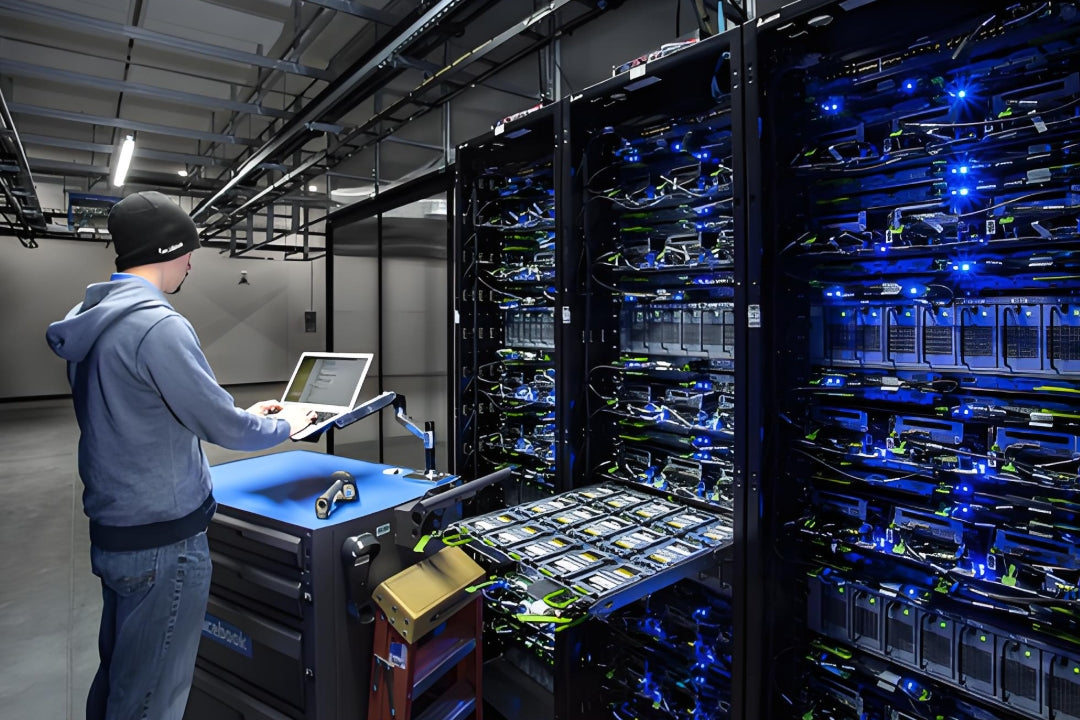
A modern AI hall concentrates 100kW+ into a single cabinet — the cabling and thermal design has to be solved at the rack, not the room
Chapter 1: Why 100kW+ Racks Break the Old Installation Rulebook
For two decades, data center cabling was a low-density discipline. A rack held 42U of 1U servers pulling a few kilowatts, cooled by raised-floor air, and wired with a predictable mix of copper and a few fiber uplinks. The AI rack broke every one of those assumptions at once. Three changes happen simultaneously and they interact:
- Power density jumped 10×. A GB300-class rack moves roughly 120–150 kW through a single busway drop. Power cabling — not data cabling — is now the largest single contributor to fill, weight, and heat inside the cabinet.
- Heat stopped being removable by air. Air cooling tops out around 15–20 kW per rack; beyond ~30 kW, liquid cooling (direct-to-chip cold plates, or immersion) becomes the only physically workable option. That introduces plumbing, manifolds, and quick-disconnects into the same physical space the cabling occupies.
- Fiber volume per rack exploded. Scale-out fabrics carry 400G/800G/1.6T links, which means dozens of MPO/MTP connectors per rack and hundreds per row — the exact failure point that makes AI data center cabling so much harder to manage than traditional plant.
The result is a rack where power, coolant, and data all compete for the same rear-cabinet space, and where a routine cabling mistake can become a thermal or electrical fault. The installation discipline has to change accordingly.
Air-Cooled vs 100kW+ Installation Reality
| Installation Dimension | Traditional Air-Cooled Rack (5–15 kW) | AI Rack (100–150 kW) |
|---|---|---|
| Dominant cable type | Copper (Cat6/6A) + few fiber uplinks | High-count MPO/MTP fiber + heavy power cable |
| Primary cooling | Air (front-to-rear) | Liquid — cold plate or immersion |
| Rear-space competition | Minimal | Power, coolant hose, and fiber paths all compete |
| Cable weight / bend limits | Forgiving | Wind speed & fiber bend radius are hard limits |
| Failure consequence | One server offline | Whole rack thermal/electrical event |
Key Question
Q: Our racks are only 40–50 kW today. Do we still need to install for 100kW+ practices?
A: Yes — because the practices that matter most (pathway reservation, rear-cabinet separation of power/coolant/fiber, thermal-aware bundling, and bend-radius discipline) cost almost nothing to build in during first installation and cost a fortune to retrofit later. The rack that is 50 kW this year is on a roadmap that points at 120 kW; install the cable plant so it does not have to be rebuilt when the GPUs arrive.
Chapter 2: Power, Spatial & Thermal Budgeting Before the First Cable
In a 100kW+ rack, cabling cannot be "pulled and tidied later." It has to be budgeted like any other physical resource — because cable volume, cable weight, and cable heat all consume the same limited rear space that the cooling and power systems depend on. This is the same planning discipline behind power flexibility as a core AI data center requirement, applied at the rack instead of the site.
The Rear-Cabinet Budget
Treat the rear of the rack as a finite budget with four claims:
- Power cabling: Busway drop, whip, and PDU feeds. At 100kW+, conductors are large and stiff; they need a dedicated vertical lane.
- Coolant plumbing: Supply/return hoses or manifold connections (see Chapter 4). Needs drip-free coupling space and a service loop.
- Data cabling: Fiber trunks, MPO harnesses, and in-rack patch. Needs bend-radius-controlled pathways, not a jammed bundle.
- Airflow: The one claim that is invisible until it is gone — the rear plenum must still allow exhaust to reach the containment zone.
Cable Ampacity & Derating at High Ambient
Power and data conductors both derate when bundled and when the ambient temperature rises. In a 100kW rack with 45–50°C aisle-adjacent air and dense bundling, the derating is significant and must be calculated — not assumed. A conductor sized for a comfortable 30°C environment can be undersized the moment it is bundled in a 45°C rear plenum.
| Budget Factor | Why It Matters at 100kW+ | Installation Response |
|---|---|---|
| Cable fill / bundle count | Drives heat build-up inside the loom | Split into multiple lanes; avoid monolithic bundles |
| Ampacity derating | High ambient + bundling reduces safe current | Upsize conductors; document derating factors |
| Bend radius | Fiber and large copper both have hard minimums | Specify wide-radius managers; reserve depth |
| Service loop length | Rack hardware slides out for maintenance | Plan slack pockets, not loose coils in the airflow |
| Weight | Dense cable adds rack and floor load | Account for it in the rack/frame spec |
AMPCOM Solutions
Slim & High-Density Patch Assemblies: Reduced-diameter constructions that cut bundle fill in tight rear cabinets without sacrificing performance.
Wide-Radius Cable Managers & Bend-Limit Brackets: Enforce fiber bend limits mechanically so field crews cannot violate them under time pressure.
Labeled, Pre-Measured Patch Cords: Exact-length cords remove slack coils from the airflow path — see Patch Cord Length Planning for Clean Racks.
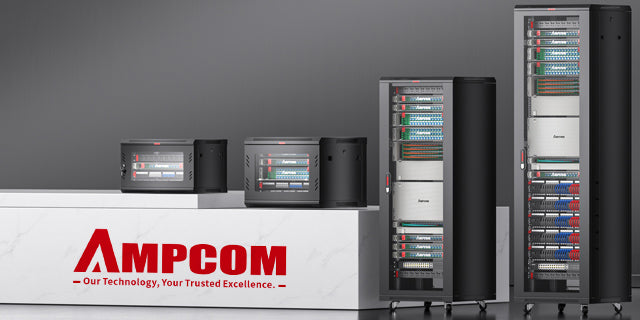
The rear of a 100kW+ cabinet is a contested space — power, coolant, and data must be budgeted like any other rack resource
❓ Q: Can't we just run the cables and tidy them once the rack is live?
At 100kW+ that approach is risky. "Tidy later" almost always means tighter bends, deeper bundles, and cables draped across the exhaust path — exactly the conditions that cause fiber loss and thermal problems. Budget the cable plant in the design phase: decide lanes, reserve radius, and specify exact lengths before anyone pulls a single strand.
Chapter 3: Pathway & Routing Design for Ultra-Dense Racks
The pathway is where installation quality is won or lost. In a high-density hall, the same three topologies still exist — overhead, underfloor, and in-row — but the demands on each have changed.
Pathway Topology Trade-Offs
| Topology | Strength | Weakness at 100kW+ | Best Fit |
|---|---|---|---|
| Overhead (ladder / basket tray) | Easy adds, visible, good separation | Must not block hot-air return at the top of rack | Fiber backbones, row-to-row |
| Underfloor | Keeps top clear; shielded | Poor fit where liquid cooling displaces the floor void | Legacy halls / copper |
| In-row / in-rack (vertical) | Short runs, tidy, low latency | Rear space collision with coolant & power | Top-of-rack fiber + power |
Design Rules That Hold Up in the Field
- Separate the three flows. Route power, coolant, and data in distinct vertical lanes inside the rack. Physical separation reduces EMI risk, prevents coolant wetting data connectors, and keeps each serviceable.
- Reserve radius, don't discover it. Wide-radius managers belong in the design, not in a field improvisation. A fiber bent below its minimum radius may pass at commissioning and fail a week later due to stress.
- Keep the top of the rack clear. In aisles using overhead return, cables and trays that encroach on the hot-air path raise return temperatures and reduce cooling efficiency for the whole row.
- Plan for the move. Every rack eventually gets a server swapped. Pathways and slack pockets must allow a sled to slide out without a stroked cable or a kinked fiber.
- Design for growth now. Leave spare capacity in every tray and manager — the second wave of GPUs will need it. This is the same discipline that keeps data center layout and cable management maintainable under churn.
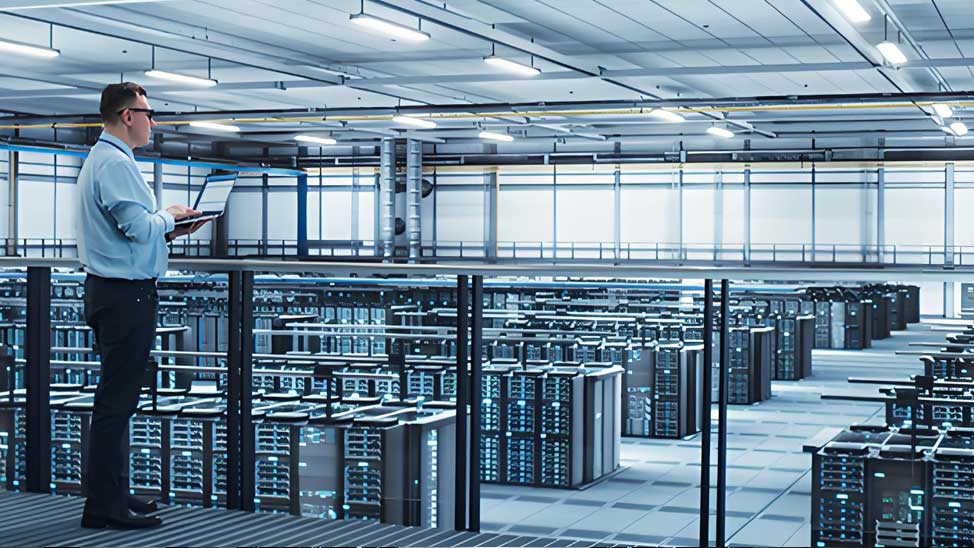
Pathway design at 100kW+ means separating power, coolant, and data into dedicated lanes — and reserving bend radius as a first-class requirement
Key Question
Q: Overhead or in-rack for the fiber — which is right for AI rows?
A: Use both, with a rule. Run the row-to-row backbone overhead on ladder tray (easy to add, easy to separate from copper), and keep the final drop in-rack with wide-radius vertical managers. The overhead backbone absorbs growth; the in-rack drop keeps the last few meters clean and bend-safe. Avoid dragging long fiber bundles down the rear of the cabinet where they compete with coolant lines.
Chapter 4: Installing Cabling Around Liquid-Cooling Infrastructure
Liquid cooling is the defining installation change of the 100kW era — and it adds a whole new set of coordination rules for cabling crews. Cold-plate (direct-to-chip) systems bring supply and return coolant to a manifold inside or beside the rack; immersion systems submerge hardware entirely. Both change how cabling is routed, sealed, and serviced.
Cold Plate vs Immersion — Cabling Implications
| Factor | Cold Plate (Direct-to-Chip) | Immersion |
|---|---|---|
| Cable location | Mostly outside the coolant loop, in-rack | Partially or fully submerged |
| Key cable risk | Heat, hose proximity, service-loop collisions | Fluid exposure, jacket swelling, connector wicking |
| Jacket / connector spec | High-temp LSZH, tight bend tolerance | Immersion-rated PE/PUR/FEP; sealed glands |
| Sealed penetration | Manifold glands only | Mandatory at every tank boundary |
| Service practice | Drip-free quick-disconnects before cabling work | Tank drainage / controlled access |
Field Rules for Cooling-Aware Cabling
- Route data above / away from coolant. Where practical, keep fiber and copper runs physically higher than or lateral to manifold connections. A slow drip onto a connector is a corrosion seed.
- Give each coolant line a service loop — and give cabling its own. Never bundle cable into a hose loop. When a hose is disconnected for maintenance, cabling must not move.
- Specify immersion-rated assemblies where fluid is present. Standard jackets swell and boots degrade in dielectric fluid; use PE/PUR/FEP jackets and fluid-compatible boots and glands.
- Seal and test penetrations. Every tank boundary is a mechanical barrier — install IP68-rated glands and verify with pressure-decay testing, not by eye.
- Coordinate the sequence. Install and pressure-test coolant infrastructure before the fiber plant is dressed in, so a leak never wets a live optical connector.
For the fiber assemblies themselves, dense AI racks lean on high-count MPO fiber solutions — and these need to survive both thermal cycling and, in immersion, fluid exposure. Connector end-face inspection becomes a maintenance item, not just a commissioning one.
AMPCOM Solutions
Immersion-Rated Patch & Trunk Assemblies: PE/PUR/FEP jackets and fluid-compatible boots for submerged or splash-exposed paths.
IP68 Sealed Transition Hardware: Factory-sealed bulkhead adapters where standard and immersion-rated cables meet, so crews never build a seal on site.
High-Density MPO/MTP Trunks: Base-12/Base-16 assemblies built for 800G/1.6T AI fabrics with per-fiber test data.
Custom Assemblies: Where a rack needs a specific length, jacket, or sealing option, explore AMPCOM custom fiber solutions.
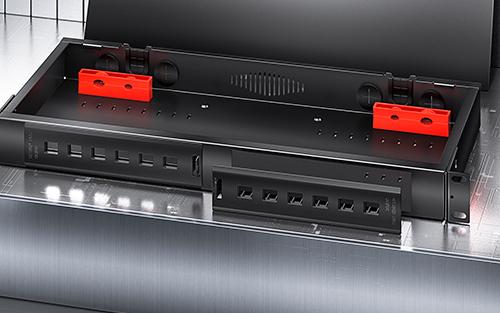
Termination and transition hardware carries the sealing responsibility where cabling meets a liquid-cooled boundary — the optical link alone does not
❓ Q: Do we need special cable for every liquid-cooled rack, or only immersion?
Only immersion (and splash-exposed paths) strictly requires fluid-rated jackets and sealed penetrations. But every liquid-cooled rack benefits from high-temperature jackets, drip-free service practice, and separation between coolant and data routes. Start with the higher-temperature LSZH spec everywhere in the hall; escalate to immersion-rated assemblies where fluid is actually present.
Chapter 5: Thermal-Aware Cable Management — Airflow, Bundling & Containment
The most overlooked installation error in dense racks is not a bad crimp — it is cabling that quietly destroys the airflow it depends on. Every cable in the rear plenum is an obstruction; in a 100kW rack, cabling is a cooling component whether or not it was designed as one.
How Cabling Becomes a Thermal Problem
- Exhaust blockage. Dense rear cable bundles trap hot exhaust, raise the local ambient, and starve the containment system of the airflow it was sized for.
- Bundle self-heating. Conductors (especially power and PoE-carrying copper) heat up when bundled; a tight loom can lift internal temperatures well above the aisle reading.
- Cross-contamination of aisles. Cables routed through containment gaps leak cold air or hot air and break the separation the cooling design relies on.
- Blocked blank panels. Cables draped over unused U-slots act like missing blanking panels, letting hot exhaust recirculate to the intake.
Thermal-Aware Installation Practices
| Practice | Thermal Benefit | Installation Method |
|---|---|---|
| Vertical side-lane routing | Keeps rear-center exhaust path open | Route in side managers, not across the rear panel |
| Splitting dense bundles | Reduces bundle self-heating & derating | Multiple smaller looms rather than one big one |
| Exact-length cords | Removes slack coils from airflow | Pre-measured patch; no excess loops |
| Containment discipline | Preserves hot/cold separation | Seal every cable pass-through; keep doors closed |
| Blank-panel etiquette | Prevents hot-air recirculation | Never route cable over empty U-space |
Taken together, these practices make cable management a cooling strategy. The physical organizer that enables it — the humble 1U cable management in data center racks — is doing more thermal work in a 100kW cabinet than it ever did in a 10kW one.
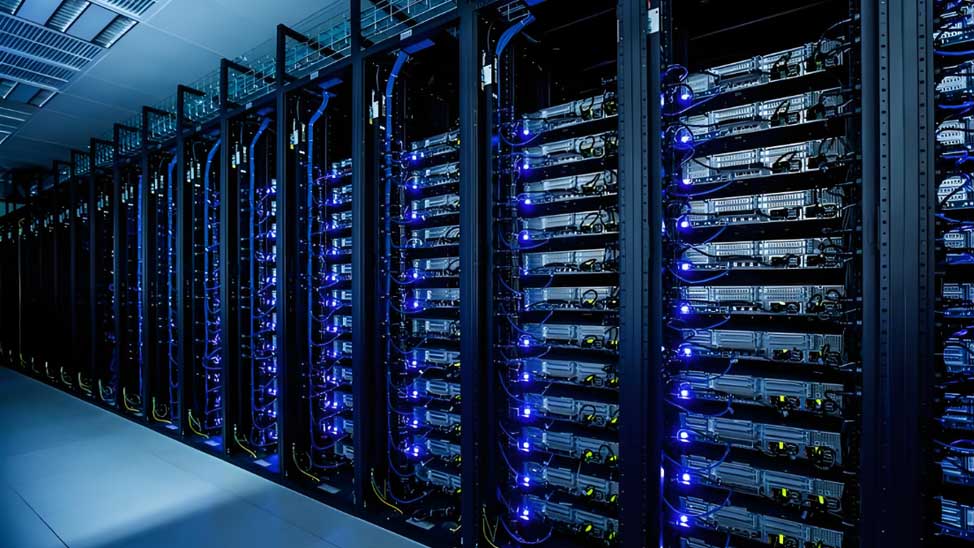
In a dense rack, tidy is not cosmetic: cable placement directly determines whether exhaust reaches the containment system
Key Question
Q: We use hot-aisle containment. If it's sealed, why do cable bundles still matter?
A: Containment only works if the air stays where it belongs. Cable bundles that block rear exhaust raise the temperature inside the containment zone, reduce the ΔT the cooling loops can achieve, and force the CDUs to work harder. Worse, bundles that cross containment boundaries — or cables laid over open U-slots — create leakage paths that undermine the seal entirely. Containment and cable discipline are one system, not two.
Chapter 6: Workflow, Commissioning & Day-2 Maintenance
Installation in a 100kW+ hall is a coordinated sequence, not a parallel free-for-all. Getting the order right prevents the most expensive mistakes — and it is far cheaper than remediating a live rack.
Recommended Installation Sequence
- Structural & power first: Rack frames, busway drops, and PDU feeds installed and torque-verified. Power cabling dressed in its dedicated lane.
- Cooling infrastructure next: Manifolds, hoses, and quick-disconnects installed and pressure-tested before any optical plant is dressed in.
- Backbone pathways: Overhead trays and vertical managers installed, radius-verified, with spare capacity reserved.
- Pre-terminated fiber pull: Trunks and harnesses pulled with bend-limit protection; no mid-pull over-tensioning.
- End-face inspection & cleanliness: Every MPO/MTP ferrule inspected and cleaned before mating — the single highest-value step in the workflow.
- Termination & labeling: Port-level labeling per TIA-606 discipline; both ends mapped and documented.
- Commissioning tests: Per-fiber IL/RL, polarity mapping, and (for liquid-cooled boundaries) sealed-penetration verification.
- Thermal validation: Confirm exhaust path is clear, blanks are in place, and containment seals are intact — before the rack goes to full load.
Acceptance & Day-2 Focus
| Gate | What to Verify | Day-2 Owner |
|---|---|---|
| Optical acceptance | Per-fiber IL/RL within budget incl. thermal margin | Installation contractor |
| Polarity / mapping | Type A/B/C matches design end-to-end | Installation contractor |
| Seal integrity | Pressure-decay stable at every tank boundary | Cooling vendor + installer |
| Thermal clearance | Exhaust path clear; blanks installed; containment sealed | Facilities / DC ops |
| Documentation | Per-fiber results, label map, seal test log handed over | DC ops |
Day-2 is where high-density plants live or die. Establish an end-face inspection cadence, re-verify IL/RL after any thermal-cycle event or rack service, and treat every containment seal as a maintenance item. A single mis-dressed cable change during a GPU swap can undo months of careful commissioning — so the goal is a plant that stays as-designed under constant churn.
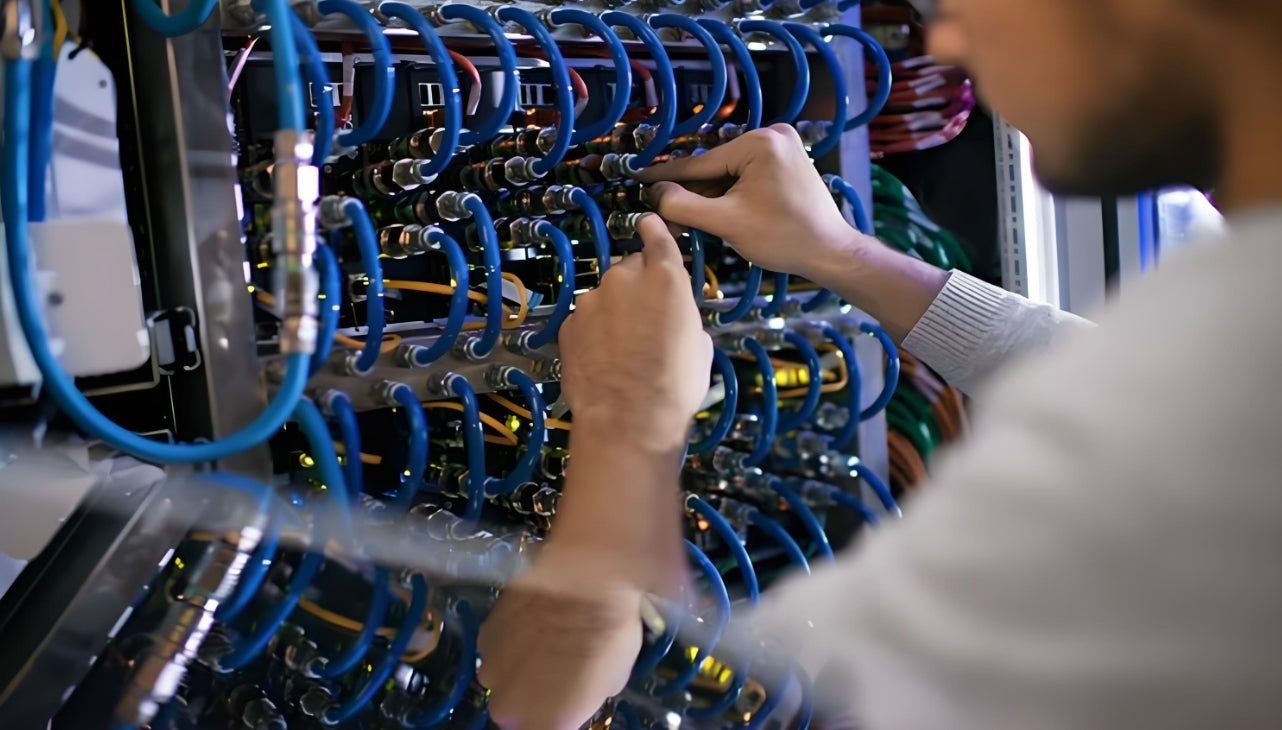
A disciplined, documented install sequence — power, then cooling, then pathways, then fiber — is what keeps a 100kW+ rack reliable from day one
🚀 Immediate Action:
Before your next high-density rack install, confirm that coolant infrastructure is pressure-tested before fiber is dressed in — and that every rear-cabinet cable run has a reserved bend radius and a dedicated lane.
💡 Design Discipline:
Budget cable volume, weight, and heat as rack resources. Separate power, coolant, and data lanes, and specify immersion-rated assemblies wherever fluid is present.
🔧 Field Practice:
Treat cable management as a cooling component: exact-length cords, split bundles, and no cable draped over open U-slots. End-face inspection and seal verification are separate, non-optional gates.
Key Takeaways at a Glance
| Topic | 100kW+ Install Rule |
|---|---|
| Rack budgeting | Treat cable volume, weight, and heat as finite rack resources |
| Pathways | Separate power / coolant / data into dedicated vertical lanes |
| Bend radius | Reserve it in design; enforce it with wide-radius managers |
| Liquid cooling | Pressure-test coolant before fiber; use immersion-rated assemblies where fluid is present |
| Thermal management | Cable placement is a cooling decision — keep the exhaust path clear |
| Commissioning | Per-fiber IL/RL + polarity map + seal verification, documented |
| Day-2 | Re-inspect end-faces and re-verify links after every service event |

AMPCOM Technical Team
Industry experts with 17+ years in data center structured cabling, high-density fiber, and liquid-cooling integration
Installing cabling for a 100kW+ AI deployment?
AMPCOM provides high-density MPO/MTP assemblies, wide-radius cable management, immersion-rated patches, and IP68 sealed transition hardware — with the test data to support your acceptance gates.
Talk to Our Cabling Engineers

