
Wi-Fi 7 Era Cabling FAQ: Cat6A or Cat7? The 5 Questions Every Practitioner Asks
Published:📋 Table of Contents
- 1 Q1: Does Wi-Fi 7 Force You to Upgrade to Cat7?
- 2 Q2: What Are the Real Technical Differences Between Cat6A and Cat7?
- 3 Q3: Why Do Most Consultants Still Recommend Cat6A for New Builds?
- 4 Q4: Do Wi-Fi 7 Access Points Need Shielded Cabling?
- 5 Q5: What About the Future — Cat8 or Fiber to the AP?
- 6 Final Verdict: Your Decision Checklist
1. Q1: Does Wi-Fi 7 Force You to Upgrade to Cat7?
Short answer: No. Wi-Fi 7 is a radio technology; it does not dictate your cabling category. What matters is the uplink port speed of the access point (AP) you deploy — and that is where the confusion starts.
A Wi-Fi 7 AP's aggregate radio throughput can theoretically reach ~46 Gbps across multiple bands and spatial streams. But that figure is a multi-link aggregate: the AP divides traffic across 2.4 GHz, 5 GHz, and 6 GHz simultaneously. In the real world, enterprise Wi-Fi 7 APs are shipped with 2.5G or 5G uplink ports, with premium models offering 10G — and even a 10G uplink is fully satisfied by Cat6A, which supports 10G up to 100 meters.
| Wi-Fi Generation | Typical AP Uplink Port | Minimum Cable Needed | Cat6A (10G/100m) | Cat7 (10G/100m) |
|---|---|---|---|---|
| Wi-Fi 5 (802.11ac) | 1G | Cat5e | ✅ Overkill but fine | ❌ Waste of money |
| Wi-Fi 6/6E (802.11ax) | 1G – 2.5G | Cat5e / Cat6 | ✅ Comfortable headroom | ❌ No benefit |
| Wi-Fi 7 (802.11be) | 2.5G – 5G (typical), 10G (premium) | Cat6A recommended | ✅ Covers even 10G links | ✅ Same 10G, no extra speed |
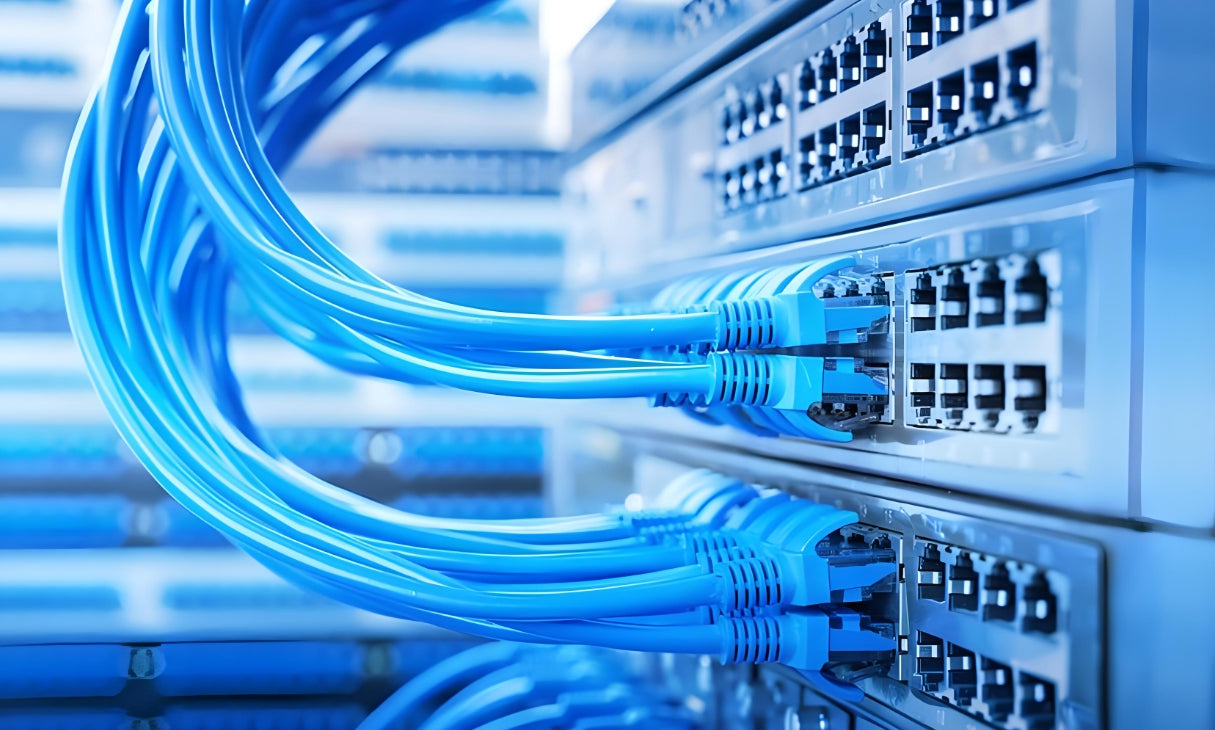
A typical enterprise horizontal cabling run: Cat6A covers every Wi-Fi 7 uplink speed with headroom to spare
Q: But doesn't Wi-Fi 7's ~46 Gbps aggregate throughput need more than 10G cabling?
A: No. The 46 Gbps figure is the sum of simultaneous traffic on all three radio bands and all spatial streams — a theoretical ceiling that no single client can saturate. The AP's wired uplink is the designed bottleneck, and vendors deliberately ship 2.5G/5G/10G ports. Cat6A matches that ceiling. If you genuinely need more than 10G to the AP (rare), the correct move is fiber to the AP — not Cat7, which is capped at 10G anyway.
2. Q2: What Are the Real Technical Differences Between Cat6A and Cat7?
Put the marketing aside. Here is the specification-level comparison practitioners actually need — based on TIA-568.2-D and ISO/IEC 11801 Class F:
| Parameter | Cat6A | Cat7 | Who Wins? |
|---|---|---|---|
| Max frequency | 500 MHz | 600 MHz | Cat7 (marginal) |
| Max data rate | 10 Gb/s | 10 Gb/s | Draw |
| Max distance @ 10G | 100 m | 100 m | Draw |
| Shielding construction | U/FTP, F/UTP, F/FTP, S/FTP (flexible) | Mandatory S/FTP (shielded pairs + braid) | Cat6A (more options) |
| Connector interface | Standard RJ45 (8P8C) | GG45, TERA, or non-standard RJ45 | Cat6A (universal ecosystem) |
| TIA/EIA recognition | Yes — TIA-568.2-D | No (ISO/IEC 11801 Class F only) | Cat6A |
| Typical cable diameter | ~6–8 mm | ~7.5–9.5 mm (heavier S/FTP) | Cat6A (easier routing) |
| Relative cost (cable) | Baseline | +30% to +80% | Cat6A |
| Relative cost (connectors/jacks) | Baseline (commodity RJ45) | 2–4× (GG45/TERA scarcity) | Cat6A |
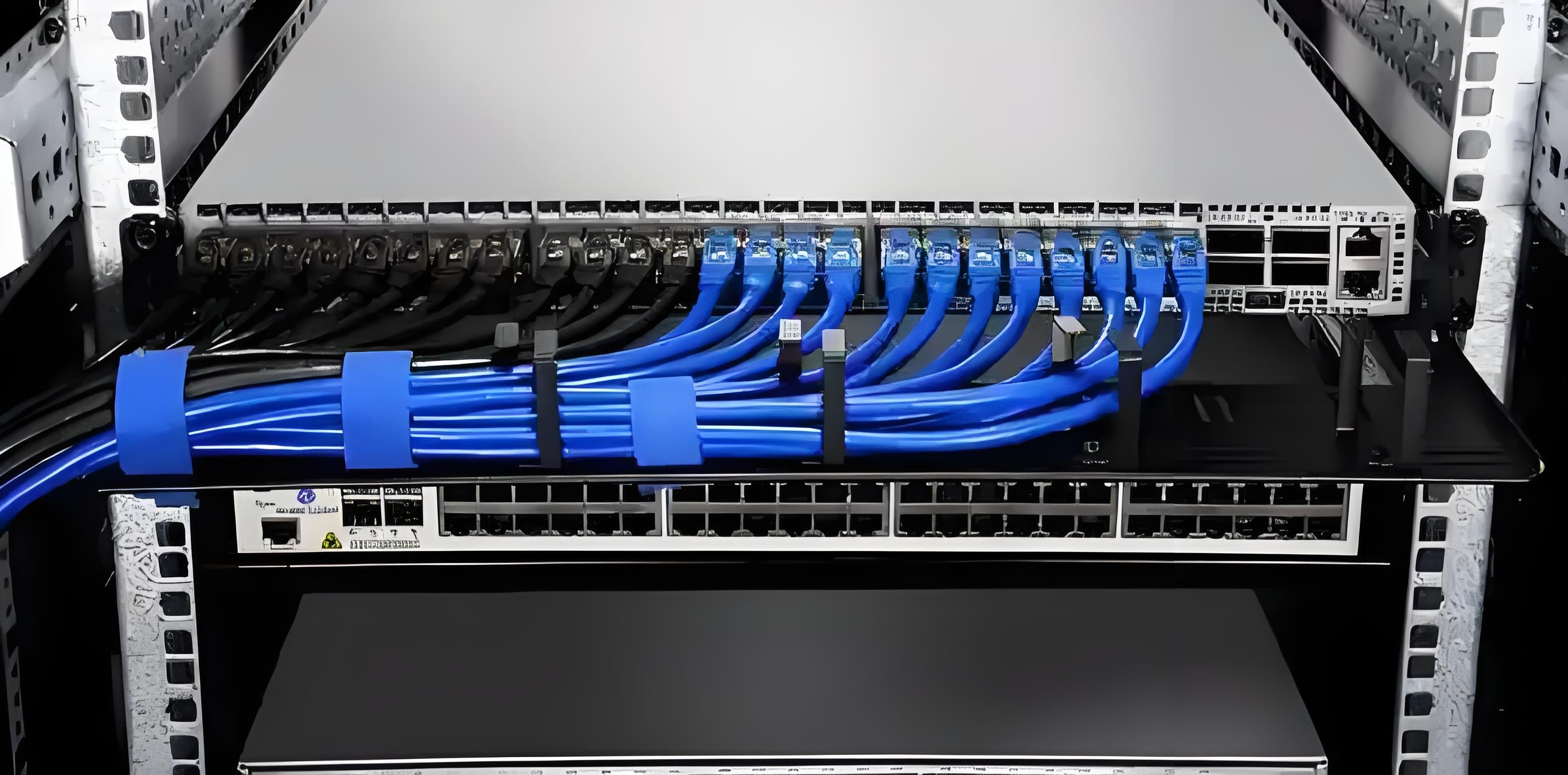
Shielded copper cabling in a server room: shielding strategy matters more than category marketing
⚡ Key Takeaway: Spec Sheet Reality
- Cat7's only spec advantage is +100 MHz of headroom — unused by any current or announced Ethernet standard for horizontal links
- Both categories are rated 10G/100m; neither does 25G or 40G over horizontal runs
- Cat7's mandatory S/FTP shielding adds weight, bend stiffness, and termination difficulty without a speed payoff
- The connector gap is the decisive issue: Cat7's official interfaces (GG45/TERA) never reached mainstream adoption
Q: Isn't Cat7 "more future-proof" because of the higher frequency rating?
A: Future-proofing is about the ecosystem, not the MHz number. Every switch, AP, and patch panel in the enterprise world uses RJ45. A Cat7 cable terminated into a standard RJ45 connector is — by definition — no longer a Cat7 channel; it performs to whatever the connector supports, which is Cat6A-class performance. So you would be paying the Cat7 premium for a link that tests out as Cat6A anyway. If you want a genuine upgrade path beyond 10G, that path is fiber, not Cat7.
3. Q3: Why Do Most Consultants Still Recommend Cat6A for New Builds?
Ask ten infrastructure consultants what they spec for a Wi-Fi 7-ready enterprise building in 2026 and the overwhelming majority will say Cat6A — shielded or unshielded depending on environment. The reasons are structural, not conservative:
🔌 3.1 The Standards Ecosystem Is Decided
TIA-568.2-D formally recognizes Cat6A as the baseline for 10G horizontal cabling. Cat7 lives only in ISO/IEC 11801 Class F — and no TIA committee has ever adopted it, because the industry skipped straight to Cat8 (which kept RJ45) for data center applications. In practical terms, Cat7 has no home in North American or most global enterprise standards, which means certification bodies, inspectors, and commissioning testers are all calibrated around Cat6A limits.
🧰 3.2 The Connector Problem Never Got Solved
Cat7's official interfaces — GG45 and TERA — are designed to also accept RJ45 plugs, but they remain niche products with limited supply, higher prices, and fewer certified installers. In practice, most "Cat7" installations terminate with ordinary RJ45 keystone jacks, which instantly downgrades the permanent link to Cat6A performance — often with worse alien-crosstalk behavior than a purpose-built Cat6A system, because the shielding is not properly carried through the connector.
💸 3.3 The Cost Math Is Decisive
For a 500-port office deployment, the delta between Cat6A and Cat7 is not a rounding error:
📋 Case Study: A Cat7 Pilot That Got Reverted
A mid-sized manufacturer piloted Cat7 S/FTP for one 120-port wing during a Wi-Fi 7 refresh. Results after commissioning: all permanent links certified at Cat6A limits (the RJ45 keystone interface was the ceiling), termination time per jack was ~40% longer due to the heavy S/FTP braid, and material cost ran +65%. The same week, their Cat6A wing passed certification on the first pass with a standard installer crew. The pilot was reverted, and the remaining 900 ports were deployed on Cat6A — with the savings funding a 40G fiber backbone between IDFs. The Wi-Fi 7 APs performed identically in both wings.
Q: Is there any scenario where Cat7 makes sense?
A: Very few, and they are niche: (1) legacy infrastructure that already runs Class F components and needs cable-only replacement without touching connectors; (2) very short, very high-interference point-to-point links where you need the extra shielding margin of S/FTP and can use genuine GG45/TERA at both ends; (3) regions where Class F is a mandatory national specification. For a standard enterprise Wi-Fi 7 build, Cat6A remains the category that makes sense for SMB and campus upgrades.
4. Q4: Do Wi-Fi 7 Access Points Need Shielded Cabling?
This is the question that actually matters — and it is not a Cat6A vs Cat7 question. It is a shielding strategy question. Wi-Fi 7 APs are power-hungry: tri-band radios, more spatial streams, and integrated sensors push many enterprise models into PoE++ territory (IEEE 802.3bt, up to 60–90 W per port).
🔥 4.1 Heat Is the Real Enemy, Not Crosstalk
High PoE current raises conductor temperature, which increases insertion loss and can push a marginal link out of certification. For long horizontal runs to ceiling-mounted APs, this is where cable gauge and shielding choice interact:
| Factor | Unshielded (U/UTP) | Shielded (F/UTP or S/FTP) | Guidance |
|---|---|---|---|
| Heat dissipation | Good | Moderate (foil traps heat in bundles) | Derate bundle size for 60W+ PoE |
| Alien crosstalk (AXT) margin | Relies on Cat6A design margin | Stronger AXT immunity | Shielded wins in dense ceilings |
| EMI / noisy environments | Vulnerable near motors, mains, RF | Required | Industrial floors → shield |
| Grounding requirement | None | Mandatory — both ends, tested | Shield without ground = antenna |
| Termination effort | Fast, commodity | +20–40% time, trained crew | Plan labor and rework budget |
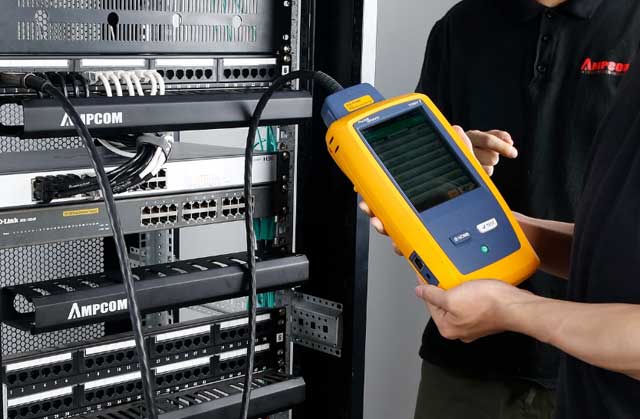
Certification testing with a Fluke analyzer: shielding only pays off when grounding and termination are verified
✅ The Balanced Recommendation
For typical office, retail, and campus environments: Cat6A U/FTP (foil per pair) or F/UTP is the sweet spot — it gives 10G/100m, controlled AXT, and manageable termination. Reserve full S/FTP for industrial floors, electrical rooms, and known high-EMI zones. And regardless of category: if you choose shielded, ground it properly. An unterminated shield turns a "better" cable into a worse one. For a deeper dive on when shielding actually pays for Wi-Fi APs and cameras, see our practical guide on shielded cable for PoE++ and Wi-Fi AP deployments.
Q: With 90W PoE++, is Cat6A enough, or do I need thicker conductors?
A: Cat6A is specified with 23 AWG conductors, which is exactly what PoE++ (802.3bt) assumes for full 90 W delivery. Voltage drop over a 100 m run stays within budget with 23 AWG. Watch the bundle, not the gauge: TIA recommends derating when many high-power cables share a pathway. If you plan dense bundles of 60W+ PoE runs, reduce bundle size, use higher-rated pathways, or consult the PoE cabling design patterns for APs and cameras before finalizing conduit fill.
5. Q5: What About the Future — Cat8 or Fiber to the AP?
Practitioners planning 5–7 year lifespans for a building cabling plant want to know what comes after Wi-Fi 7. The honest answer has three parts:
🚫 5.1 Cat8 Is Not a Horizontal Cabling Answer
Cat8 (Class I/II) supports 25G/40G — but only to 30 meters, and it is engineered for data center switch-to-switch and switch-to-server links, not ceiling runs to access points. Running Cat8 to APs would be technically wrong (distance) and commercially absurd (cost). Cat8's existence does not threaten Cat6A's role in the horizontal.
🔮 5.2 The Real Upgrade Path: Fiber to the AP (FTTA)
Beyond 10G to the AP, the only meaningful upgrade is single-pair or multi-fiber to the ceiling — often paired with a small media converter or a future 25G-capable AP. Buildings that want maximum future-proofing are increasingly deploying a hybrid plant: Cat6A to every AP location plus a dark fiber drop or oversized conduit, so the fiber can be pulled later without ripping open ceilings.
📡 5.3 NBASE-T Keeps Copper Relevant
Multi-gig Ethernet (2.5G/5G over existing cabling) means Cat6A will comfortably serve not just Wi-Fi 7 APs but also the first wave of Wi-Fi 8-era devices, which are expected to retain 10G-class uplinks. Cat6A is the rare category that is simultaneously the correct today choice and a defensible tomorrow choice.
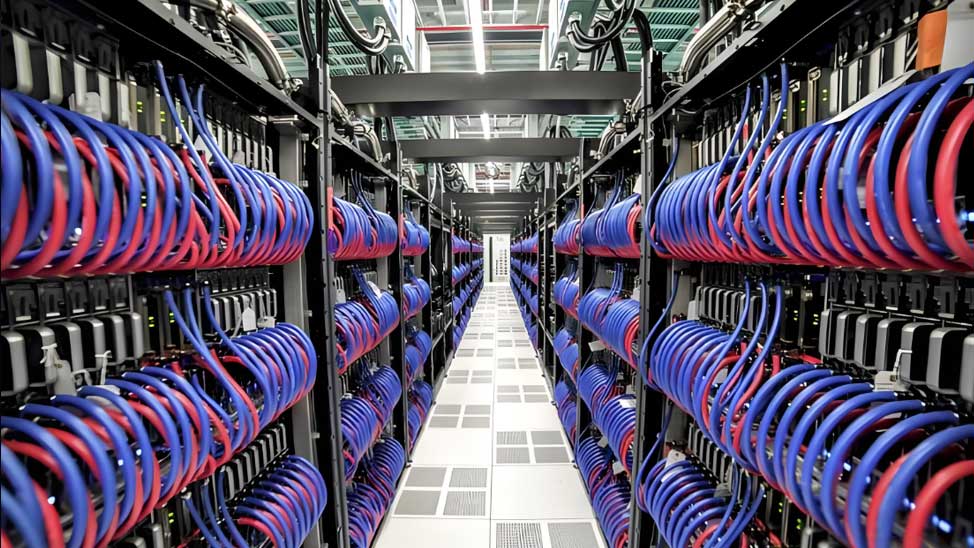
A future-proof horizontal plant: Cat6A for today's Wi-Fi 7 APs, conduit and dark fiber ready for tomorrow
⚡ Future-Proofing Scorecard (Horizontal AP Links)
- Cat5e / Cat6 legacy: fine for 1G APs; upgrade before Wi-Fi 7 multi-gig uplinks
- Cat6A new build: covers 2.5G/5G/10G APs today, NBASE-T headroom for tomorrow ✅
- Cat7: same 10G ceiling, higher cost, connector dead-end ❌
- Cat8: 30 m limit — data center only, never horizontal ❌
- Fiber + Cat6A hybrid: maximum future-proofing for flagship buildings ✅
Q: Should I pull fiber to every AP location right now?
A: For most projects, no — it triples termination cost today with no device that uses it. The smarter play: install Cat6A now, and add oversized conduit or a spare fiber drop in main corridors and high-density zones. When a 25G-capable AP generation actually ships, the fiber pull is a one-day job instead of a renovation. If you are designing a flagship building with a 10-year horizon, our singlemode vs multimode selection guide covers the backbone side of that decision.
6. Final Verdict: Your Decision Checklist
If you leave this article with one sentence, make it this: Wi-Fi 7 does not need Cat7 — it needs Cat6A, correctly installed, with a shielding strategy matched to the environment.
| Your Scenario | Recommended Horizontal Cabling | Why |
|---|---|---|
| New office / campus build, Wi-Fi 7 rollout | Cat6A U/FTP or F/UTP | 10G/100m, RJ45 ecosystem, certified, cost-effective |
| Industrial floor, high EMI, motors/VFDs nearby | Cat6A S/FTP (properly grounded) | Shielding margin where noise, not speed, is the risk |
| Retrofit existing Cat5e/Cat6, budget-conscious | Keep cable; verify with NBASE-T | 2.5G/5G works over good Cat5e/Cat6 for many APs |
| Flagship building, 10-year horizon | Cat6A + dark fiber / oversize conduit | Copper today, fiber-ready tomorrow |
| Cat7 under any enterprise scenario | ❌ Not recommended | No speed gain, connector dead-end, +30–80% cost |
⚡ The 5 Answers in One Summary
- Q1: Wi-Fi 7 APs max out at 10G uplinks → Cat6A fully covers them; Cat7 adds no speed
- Q2: Cat7's only spec edge is +100 MHz — unused by any Ethernet standard for horizontal links
- Q3: Cat7 is TIA-recognized nowhere; GG45/TERA connectors killed its practicality; consultants spec Cat6A
- Q4: The real decision is shielding strategy and PoE++ heat management, not category
- Q5: Future-proofing = Cat6A now + fiber-ready pathways; Cat8 is data-center-only; Cat7 is a dead end
Q: What does AMPCOM recommend for a full Wi-Fi 7-ready structured cabling package?
A: For the horizontal: Cat6A U/FTP bulk cable with 23 AWG conductors, matched Cat6A keystone jacks, and shielded or unshielded patch panels depending on your grounding plan. For the backbone: OS2 or OM4 fiber between IDFs with patch panels sized for your rack density. AMPCOM supplies complete, tested Cat6A systems — cable, jacks, patch panels, and pre-terminated fiber trunks — so every link ships with documentation that matches your certification plan. Contact our solutions team for a bill of materials tailored to your floor plan and Wi-Fi 7 AP count.

AMPCOM Technical Team
AMPCOM's in-house structured cabling specialists — helping enterprises, data centers, and telecom operators design, specify, and procure Cat6A, fiber, and high-density cabling solutions since 2010.


